Unmatched voice clarity, instantly
A clear voice can give your work the attention it deserves. For a podcast, video or business call, reducing unwanted sounds helps listeners focus on what you have to say.
Choose your starting point
Describe what needs cleaning
Continue to voice tools
See how a before-and-after audio workflow puts speech first. The waveforms below are an illustrative interface, not playable recordings.
Before
Original sound
Illustrative waveform
After
Cleaner sound
Illustrative waveform
Give distracting sounds less attention and let your spoken content take center stage, whether you are working with an interview, a podcast or a video.
A clear voice can give your work the attention it deserves. For a podcast, video or business call, reducing unwanted sounds helps listeners focus on what you have to say.
Hums, room sound and other interruptions can pull attention away from a recording. Start with your audio and explore a workflow built around bringing speech forward.
From spoken clips to longer conversations, different projects call for different approaches. Describe your recording and continue to the available voice tools.

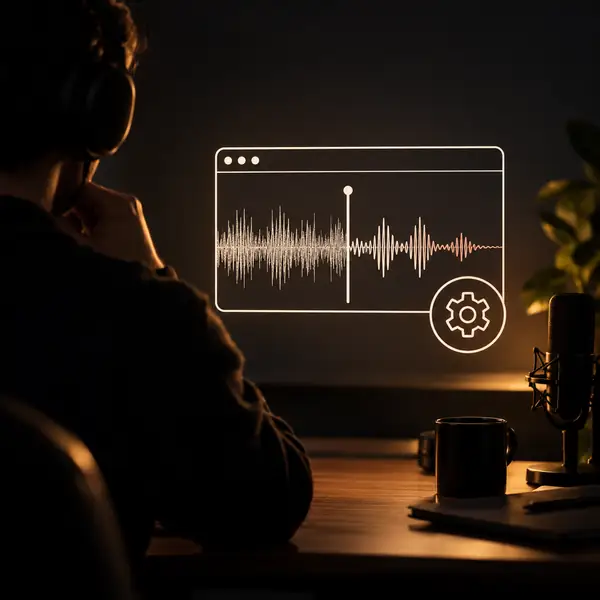
Begin with an audio or video project. You will select the recording when you reach the voice tool.
Is it wind, room sound, clicks or background chatter? Describe what you want to reduce and the voice you want to preserve.
Continue to the voice tools, review the available settings and decide what works for your recording.

From demos to practice sessions, begin with the voice or track you want listeners to hear more clearly.
Explore voice tools
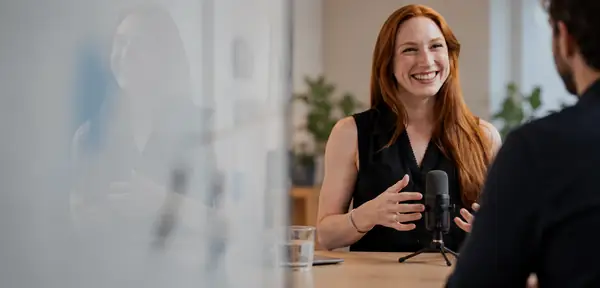
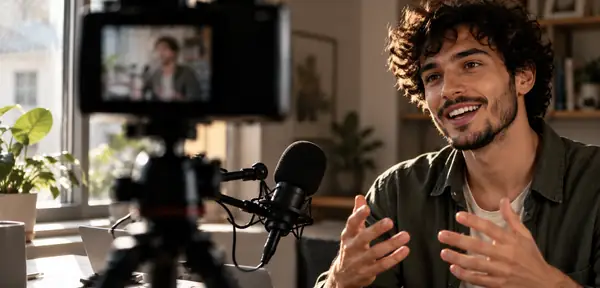
Give spoken content room to shine, whether it begins as a podcast, a meeting or a casual recording.
Explore ways to reduce distracting sound while keeping the natural character of a speaker's voice.
Begin with a voice memo, interview, music idea or video and describe the sound you want to address.
Find a path for spoken projects without needing to learn an editing timeline on this page.
Choose an example or describe your recording, then continue to review the available tools.
This page does not upload or process a file. Choose what to share only after you continue.
Explore related ways to work with distracting sound in recordings.
For a travel vlog, the story is easier to follow when the speaker does not have to compete with street noise.
A clearer start for video creators
For a podcast, attention belongs on the conversation—not the room hum behind it.
A clearer start for podcast teams
For study notes, a more intelligible voice makes a recording easier to revisit.
A clearer start for students
For demo tracks, less distraction can help an idea come through the way it was intended.
A clearer start for musicians
For recorded calls, the important part is hearing each person's words.
A clearer start for teams
For field interviews, begin by identifying the sounds that sit between your subject and the listener.
A clearer start for journalists